


macOS app · Window management
Window Quest
Quickly tile all those crazy open windows flying around

Viewport
01 What it does
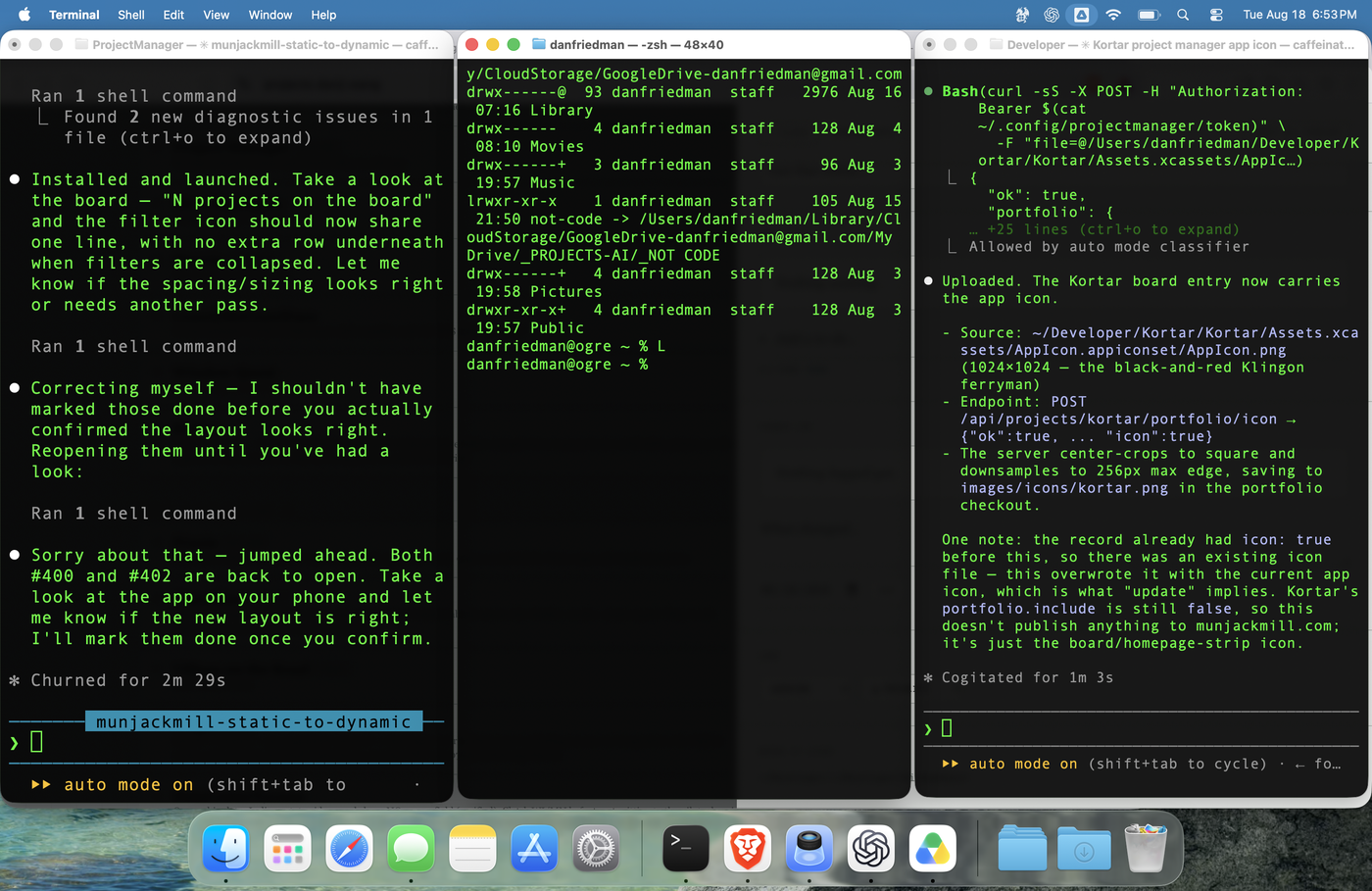
With Claude or AI-assisted coding, I tend to have a lot of terminals opening and closing. I experimented with existing tools but couldn't find quite the right one so I made one to auto-tile all my windows.
02 How it works
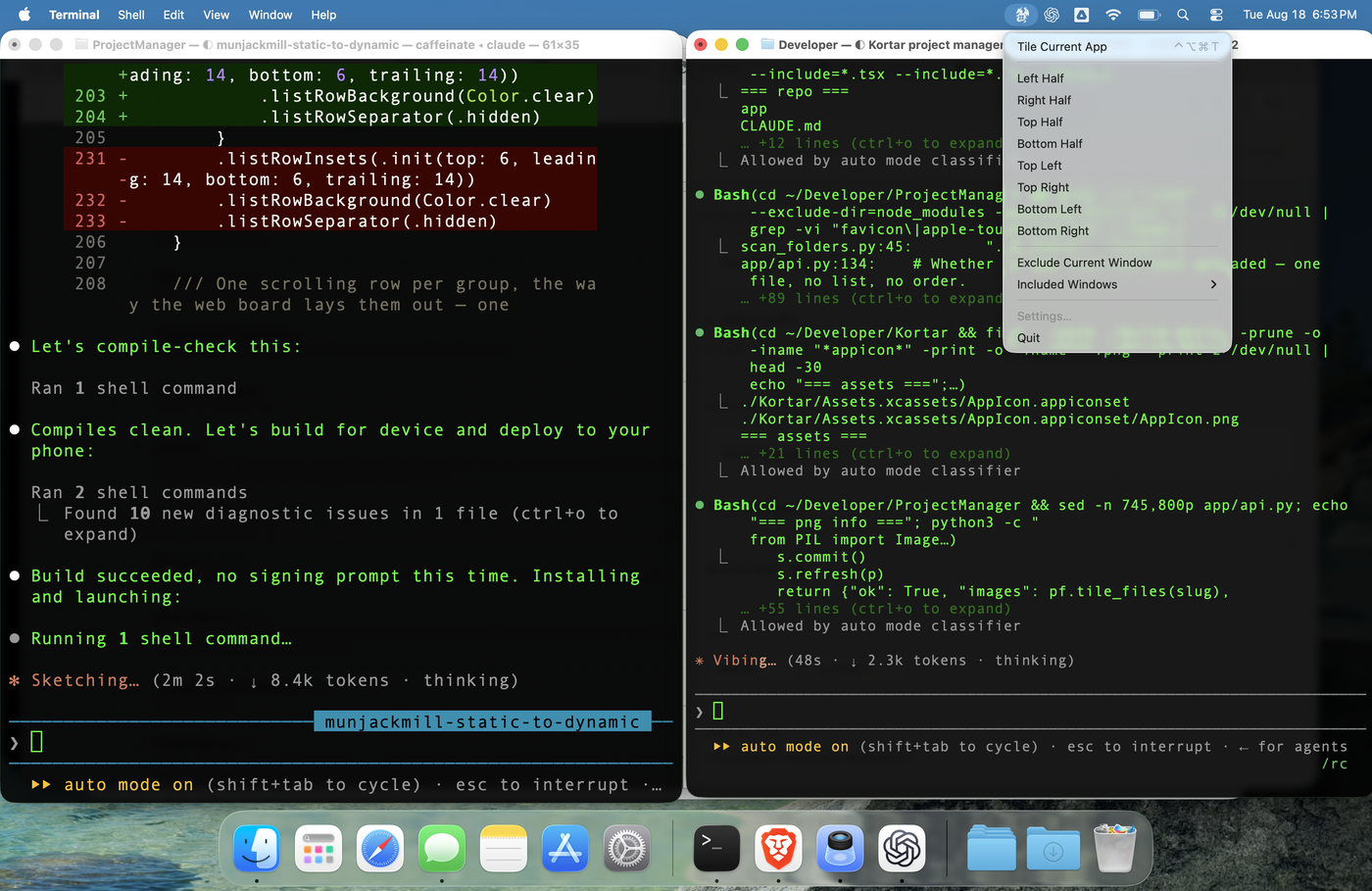
Sits in the nav bar on the top right, gives you options to auto-tile the existing app, move/resize windows to specific locations, or exclude windows from auto-tiling within your app.
03 Built with
- Swift and SwiftUI, MenuBarExtra for the dropdown, macOS 14+, no third-party dependencies.
- Accessibility APIs (AXUIElement) to enumerate and move other apps' windows; standard windows only, filtered by role and subrole so sheets,
- dialogs, panels, and minimized windows are left alone.
- LayoutEngine.swift: pure count-plus-rect to ordered frames, with grid edges rounded independently so cells tile exactly with no overlap or
- off-by-one gaps. 9 unit tests.
- Carbon RegisterEventHotKey for the global ⌃⌥⌘T shortcut, which is what Rectangle uses too, and cheaper than a dependency for one shortcut.
- XcodeGen: project.yml is the source of truth and the .xcodeproj is generated per machine, after the tracked one broke the build on a laptop
- running an older Xcode.
Flight log
I made a new app to auto-tile my ever-proliferating terminal windows for abusive multi-tasking.
