


Lane 2600 Synth
A kid-friendly analog synth and beat box with big knobs to twist, made for my six-year-old.

Viewport
01 What it does
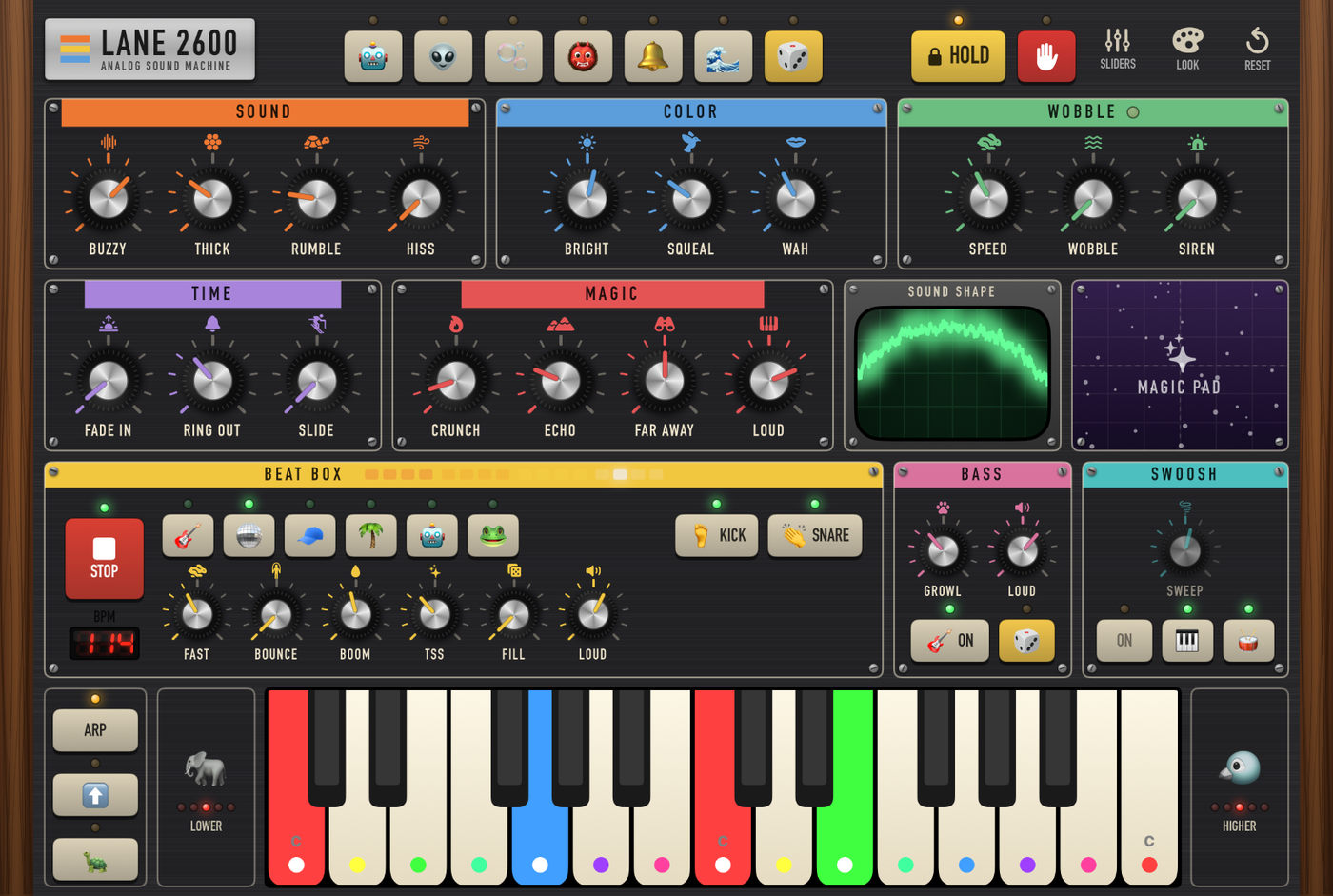
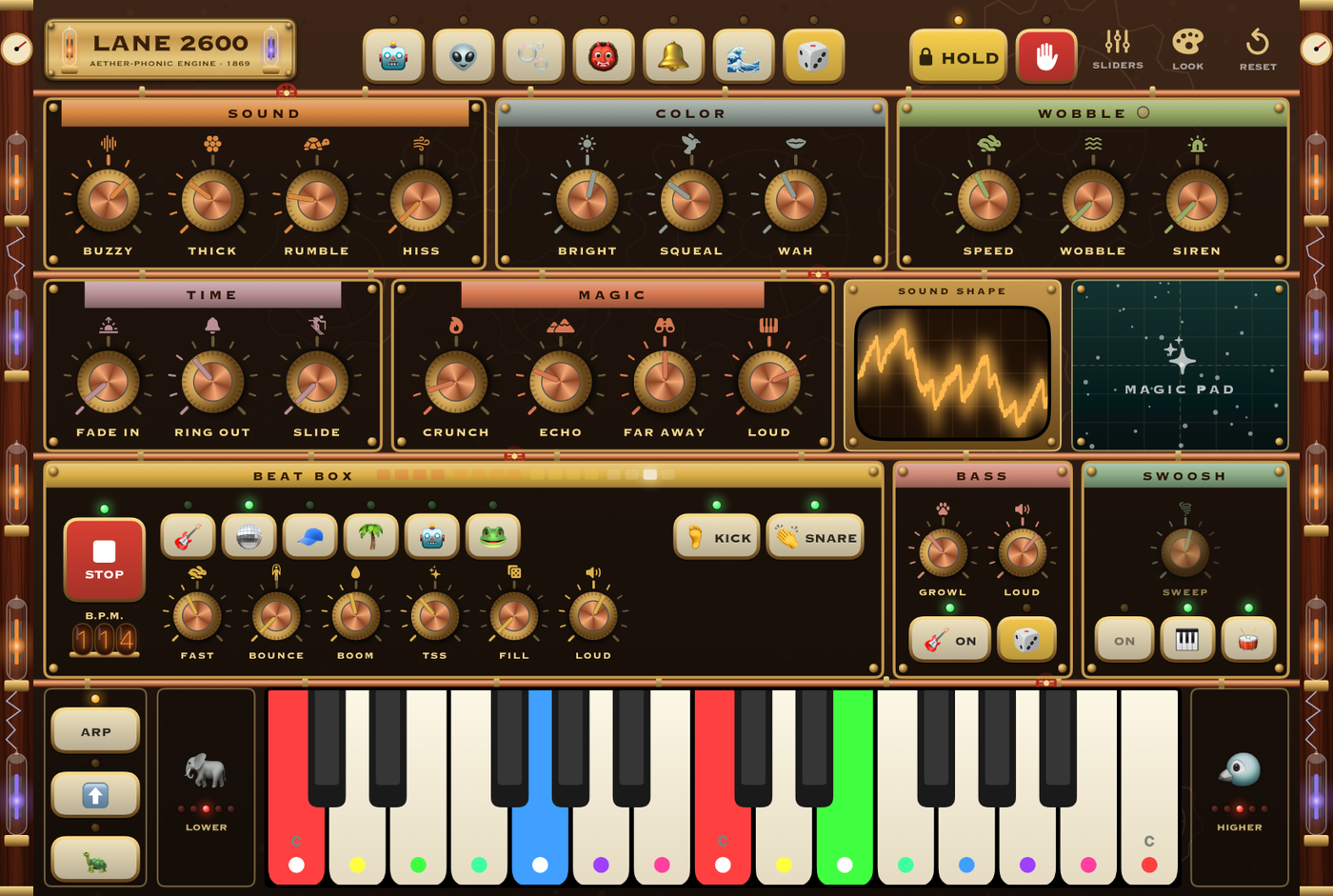
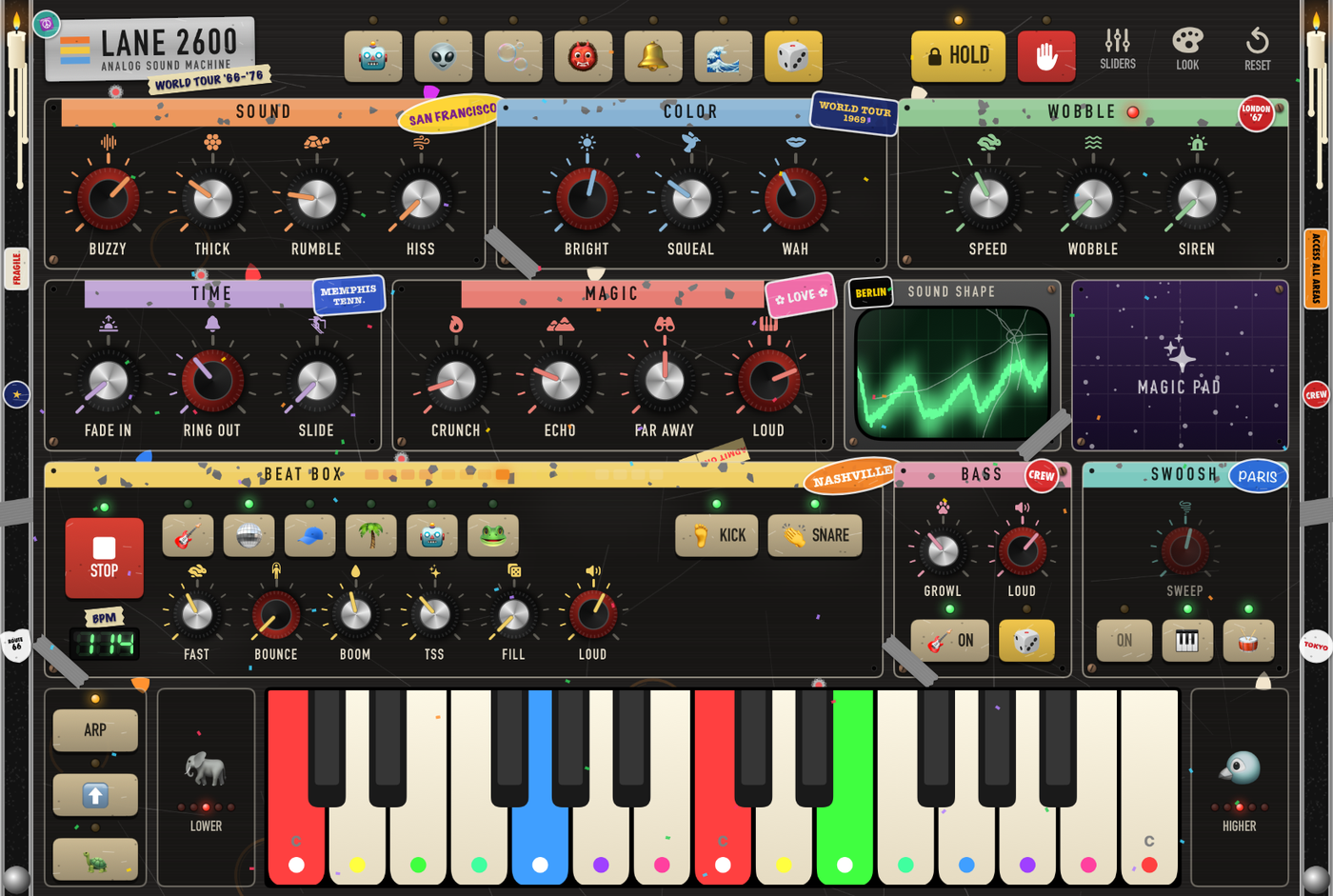
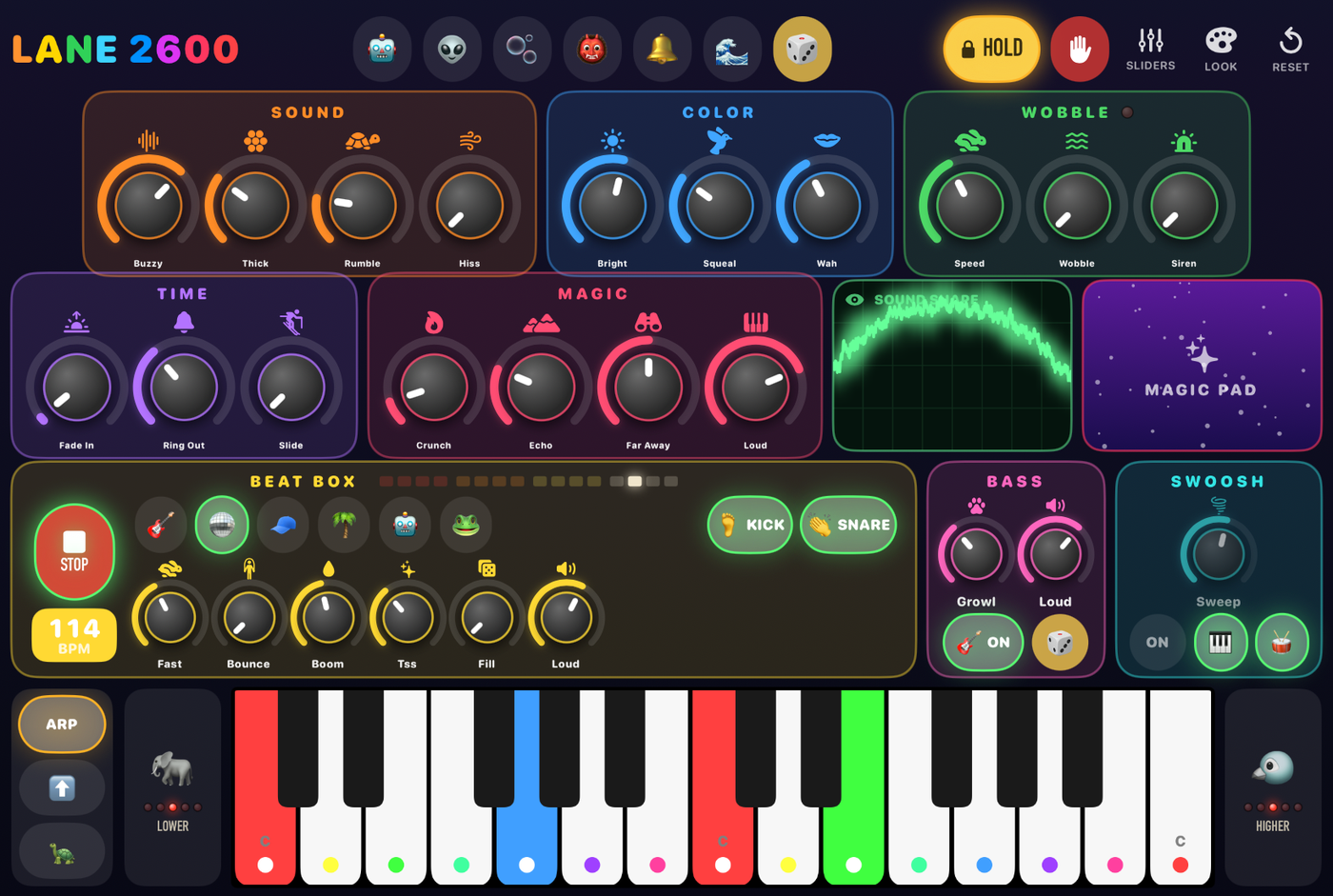
My son loves making sounds and then twisting knobs to see what happens, the way I used to on an ARP 2600. So I made him his own synth for the iPad. You play notes on the screen or on a real keyboard, then turn big knobs with friendly names like Buzzy, Squeal, Wobble and Far Away instead of oscillator and filter. There's a beat box with drum patterns and a tempo readout, and a bass line that loops with it so he can play melodies over the top: each beat comes with its own, a dice button rolls a new one, and it turns on and off separately from the drums. An arpeggiator turns a held chord into a running pattern, up, down, bouncing or jumbled. There's also a Swoosh filter sweep, a magic pad to bend the sound with a finger, a screen that shows the shape of the sound, and a reset button for when things get too strange. It comes in four looks: a wood-and-metal vintage synth, a brass steampunk machine with glowing vacuum tubes, a road-worn touring rig covered in travel stickers and candle wax, and a bright, rounded kid version. Every knob can turn into a slider. An iPhone version that rearranges the panels for portrait and landscape is in the works.
02 How it works
Everything is synthesized live on the iPad, with no samples. Each note runs a morphing oscillator (sine to square), a detuned second oscillator, a sub-octave and noise through two resonant filters, plus envelopes, an LFO, drive and a tape-style echo. The drums and the bass are synthesized too, and they share one 16-step sequencer with the arpeggiator, timed to the sample with swing. Bass lines lock to the beat's kick drum and stay in C major, so any white key fits on top.
The four looks are drawn in code rather than from images, and the vacuum tubes and pressure gauge in the steampunk look glow with the sound.
It connects to a MIDI keyboard over USB: notes, pitch bend, the mod wheel and the sustain pedal all work.
03 Built with
- Native SwiftUI on iPadOS, with a hand-written real-time synth engine in Swift running on AVAudioEngine, CoreMIDI for keyboards, and a multi-touch keyboard in UIKit.
Flight log
Added a RESET button that puts everything back to the start, a tempo (BPM) readout on the drum machine styled for each look, and tapping a held key now lets it go.
Added two new looks, Steampunk (brass, glowing vacuum tubes) and On Tour (road stickers, candles, road wear), plus an experimental iPhone version that works in portrait and landscape.
Switching beats while one is playing now keeps the tempo, so you can change the groove without losing the pace.
Added a looping bass line that plays along with the beat (new lines at the roll of a die) and an arpeggiator that turns held chords into running patterns.
Added kick/snare switches, a Swoosh filter sweep for keys and drums, separate keys and drum volume, and an optional slider mode. Fixed crackling while turning knobs and clicks on fast notes.
